
RESOURCES
Useful tools suggested by developers of Slammed.st
External diagnostics we use before authorized Hub runs: confirm reachability, map services you own, and spot origin / edge layout — never for targeting systems without permission.
Why these tools
Before a capacity window on infrastructure you own, you need more than a URL in Hub. Is the host reachable from multiple regions? Which services are exposed? What sits in front of the origin (CDN/WAF)? These public tools help answer that so your Slammed.st Layer 4 / Layer 7 run hits the right target class.
Authorized use only. Finding an origin IP to attack a third party is prohibited — see Acceptable Use and authorized load testing. Use these for systems you control or have written permission to assess.
Also useful: Concurrent vs RPS calculator · Glossary · in-app Learn (login).
Check-Host.net / Check-Host.cc
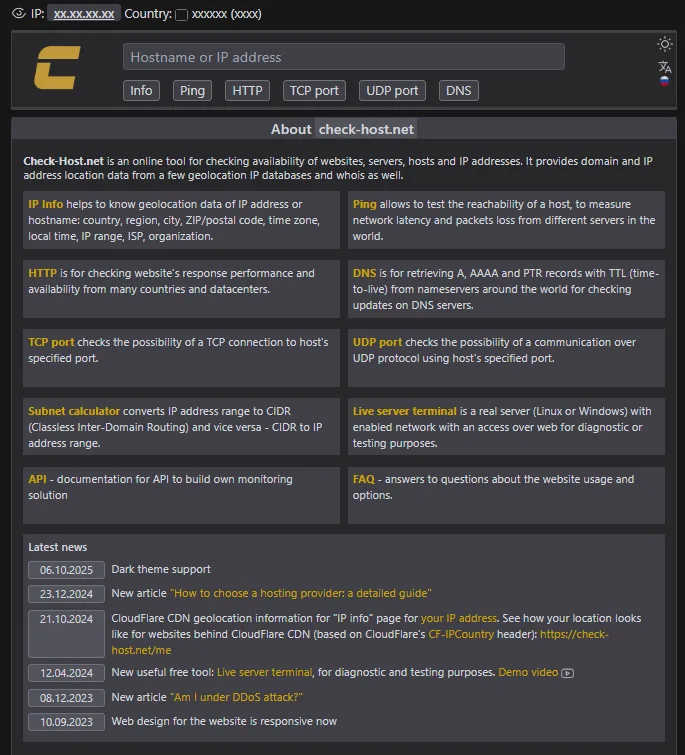
Check-Host.net (also check-host.cc) is an online tool for checking availability of websites, servers, hosts, and IP addresses. It also returns geolocation and WHOIS-style context from several IP databases.
- IP Info — country, region, city, ZIP, timezone, ISP, organization, IP range.
- Ping — reachability, latency, and packet loss from many world nodes.
- HTTP — response status and availability from multiple countries / datacenters.
- DNS — A / AAAA / PTR with TTL from nameservers worldwide (propagation checks).
- TCP / UDP port — whether a specific port answers from external probes.
- Subnet calculator — IP range ↔ CIDR conversions.
- API — build custom monitoring around the same checks.
When to use with Slammed.st: smoke-check that your verified target is up from outside before you spend Hub concurrents; confirm DNS updates after a cutover; sanity-check open ports on staging.
Censys Search
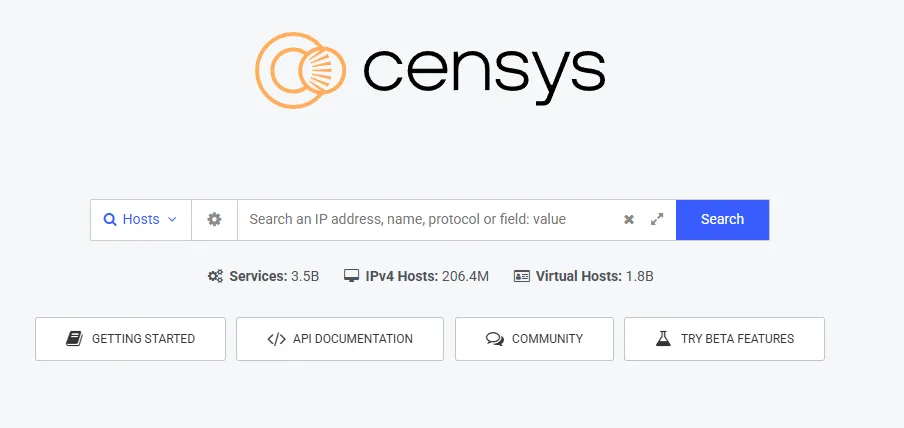
search.censys.io indexes internet hosts and services. For authorized capacity work it is useful to inventory what your domain / ASN exposes and to hunt clues for the backend / origin IP when a CDN sits in front of an application you own.
- Search by IP, hostname, protocol, or field queries.
- Review open services and certificates tied to your assets.
- Compare edge vs origin presentation before choosing L4 vs L7 Hub methods.
Only query and test assets you are allowed to assess. Pair findings with Hub Layer 7 or Layer 4 runs on verified targets — and with AI Target Analyzer inside the panel.
FOFA (Censys alternative)
fofa.io is a cyberspace asset search engine — a practical alternative to Censys when you need another index or query syntax for the same authorized inventory job (hosts, banners, certificates, exposed panels).
Use it the same way: map assets you own, cross-check what Censys shows, and confirm you are not about to load-test the wrong IP behind a shared CDN edge.
Shodan
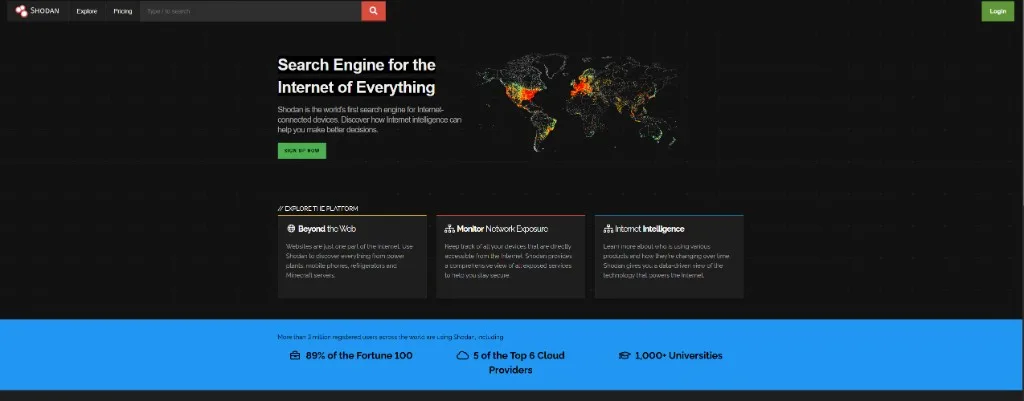
shodan.io searches internet-connected devices and exposed services. For Slammed.st workflows it helps you:
- See which ports/services on your hosts are reachable from the public internet.
- Spot forgotten panels, databases, or admin surfaces before a load window.
- Cross-check origin-facing endpoints when CDN hides the application hostname.
Together with Check-Host (liveness) and Censys/FOFA (inventory), Shodan rounds out pre-flight recon for authorized tests. Then size the run with the RPS calculator and start in Hub.
Suggested workflow
- Verify ownership / written permission for the target.
- Check-Host: ping + HTTP + DNS from several nodes.
- Censys / FOFA / Shodan: inventory services and origin clues for assets you own.
- Confirm the exact IP/URL in Slammed.st target verification.
- Run a short smoke test in Hub, then scale with abort criteria.
FAQ
- What is Check-Host used for before a Slammed.st test?
- Check-Host.net (and check-host.cc) checks host availability with multi-node ping, HTTP, DNS, and TCP/UDP port probes so you confirm a verified target is reachable before spending Hub capacity.
- Can Censys help find a backend or origin IP?
- On infrastructure you own or are authorized to assess, Censys Search can inventory exposed hosts and services and surface clues for the origin/backend behind a CDN. Unauthorized targeting is prohibited.
- Is FOFA an alternative to Censys?
- Yes. FOFA is a cyberspace asset search engine that teams use as a Censys-style alternative for authorized inventory of hosts, banners, and exposed services.
Related
Resources hub · Glossary · Tools matrix · RPS calculator · Useful network tools · Blog · Pricing · Start free