
RESOURCES
Layer 4 stress testing
L4 tests the pipe and perimeter — not your checkout form. Use it when the hypothesis is network capacity, connection tables, or mitigation time.
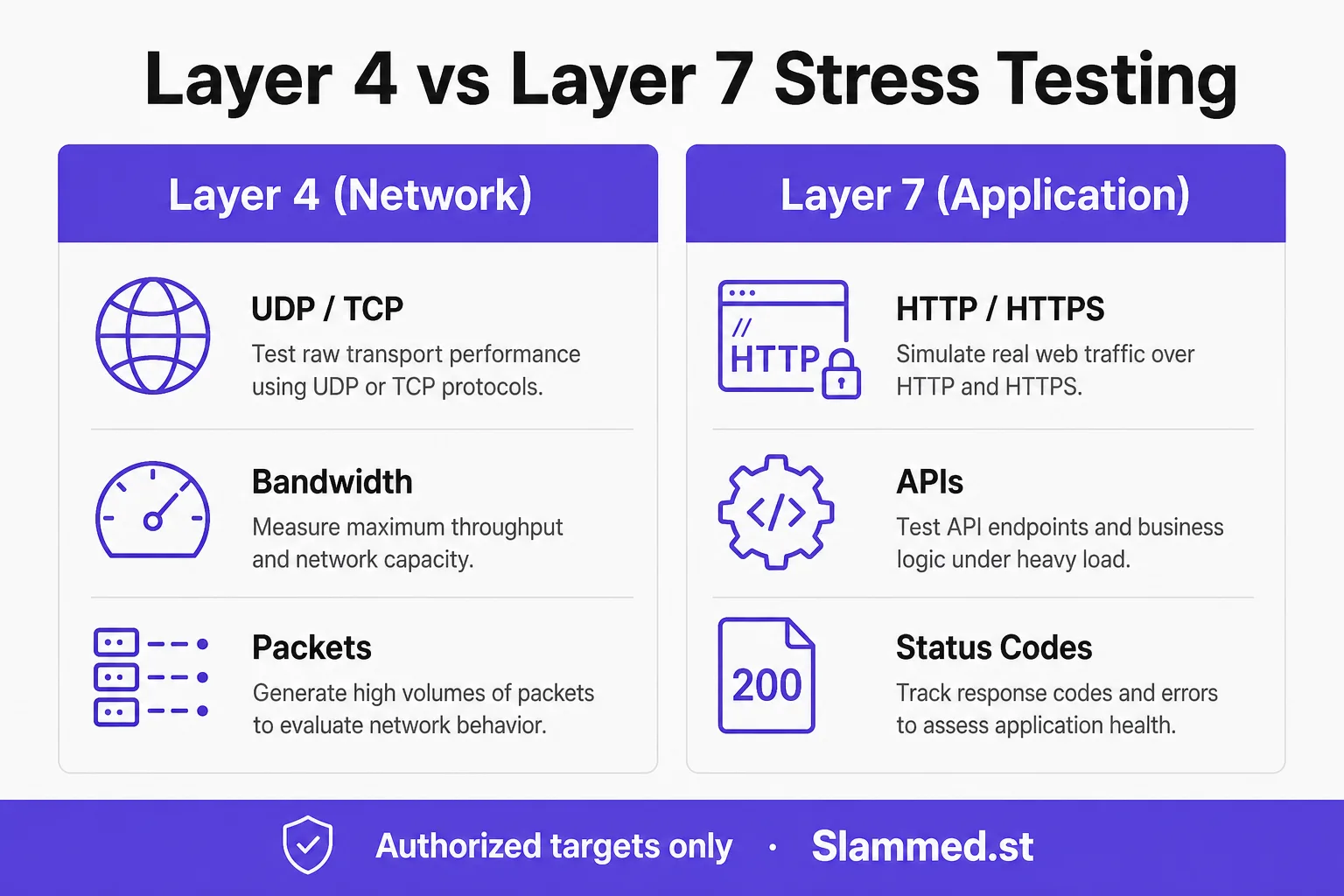
What L4 exercises
Layer 4 stress testing pushes transport and network paths: TCP/UDP connection rates, packet rates, bandwidth, firewalls, load balancers, and scrubbing services. Failures often look like packet loss, resets, or saturated NICs — not HTTP status codes.
Choose L4 when you care about ISP handoff, SYN/conntrack pressure, DDoS mitigation onboarding, or non-HTTP services. Pair with host and provider counters, not only APM.
How to run safely
- Verify ownership or written authorization for the exact target and window.
- Define abort criteria with NOC (error rate, latency, interface drops).
- Ramp in steps; keep an instant stop control ready.
- Correlate with firewall, scrubbing, and CDN dashboards.
Compare with Layer 7 stress testing and the full comparison in L4 vs L7: when to use.
Next steps
See plans, authorized load testing, resources, or register to run authorized L4 scenarios in the Hub.
Network-path pitfalls
Layer 4 runs are easy to misread if you only watch an APM dashboard. Packet loss, interface drops, conntrack exhaustion, and scrubbing redirects often appear first on host or provider counters. Teams also confuse “generator sent Gbps” with “target accepted useful work” — especially when mitigation drops traffic silently.
Agree with NOC which signals count as abort before the first step. L4 is for pipes and perimeters you are authorized to exercise, not for anonymous third-party IPs. Framing: authorized load testing; terms: Layer 4 in the glossary.
Suggested L4 sequence
- Confirm ownership or written permission for the exact IP/host and intensity.
- Notify providers when mitigation or transit partners need a heads-up.
- Smoke at low intensity; verify NIC, firewall, and Hub charts move together.
- Step upward; stop on drop rate, latency-to-peer, CPU, or scrubbing instability.
- Cool down and capture whether sessions recover cleanly.
Compare with Layer 7 stress testing when the risk is HTTP journeys. Plan ceilings: pricing. Trial workflow: register.
Metrics to correlate outside the Hub
- NIC throughput, drops, and errors on the target interfaces.
- Firewall / load-balancer connection table usage.
- Scrubbing or mitigation state changes and false-positive collateral.
- Hub-reported Gbps class vs what the host actually received.
Hub tip: keep L4 and L7 reports in separate tickets so “pipe held” is never mistaken for “checkout held.” Sizing helper: concurrent vs RPS / Gbps. Background reading on the blog L4 vs L7 guide.
When not to choose Layer 4
If the hypothesis is checkout latency, API error budgets, cache behavior, or WAF challenges on legitimate sessions, use L7 instead. Do not run L4 against shared hosting you cannot isolate, or during unrelated network incidents. Unauthorized targeting is prohibited.
Continue with game server testing when UDP/TCP game paths are in scope, or docs for product controls. Glossary cluster: glossary.
Related
Resources hub · Glossary · Tools matrix · RPS calculator · Useful network tools · Blog · Pricing · Start free