
You are testing two surfaces
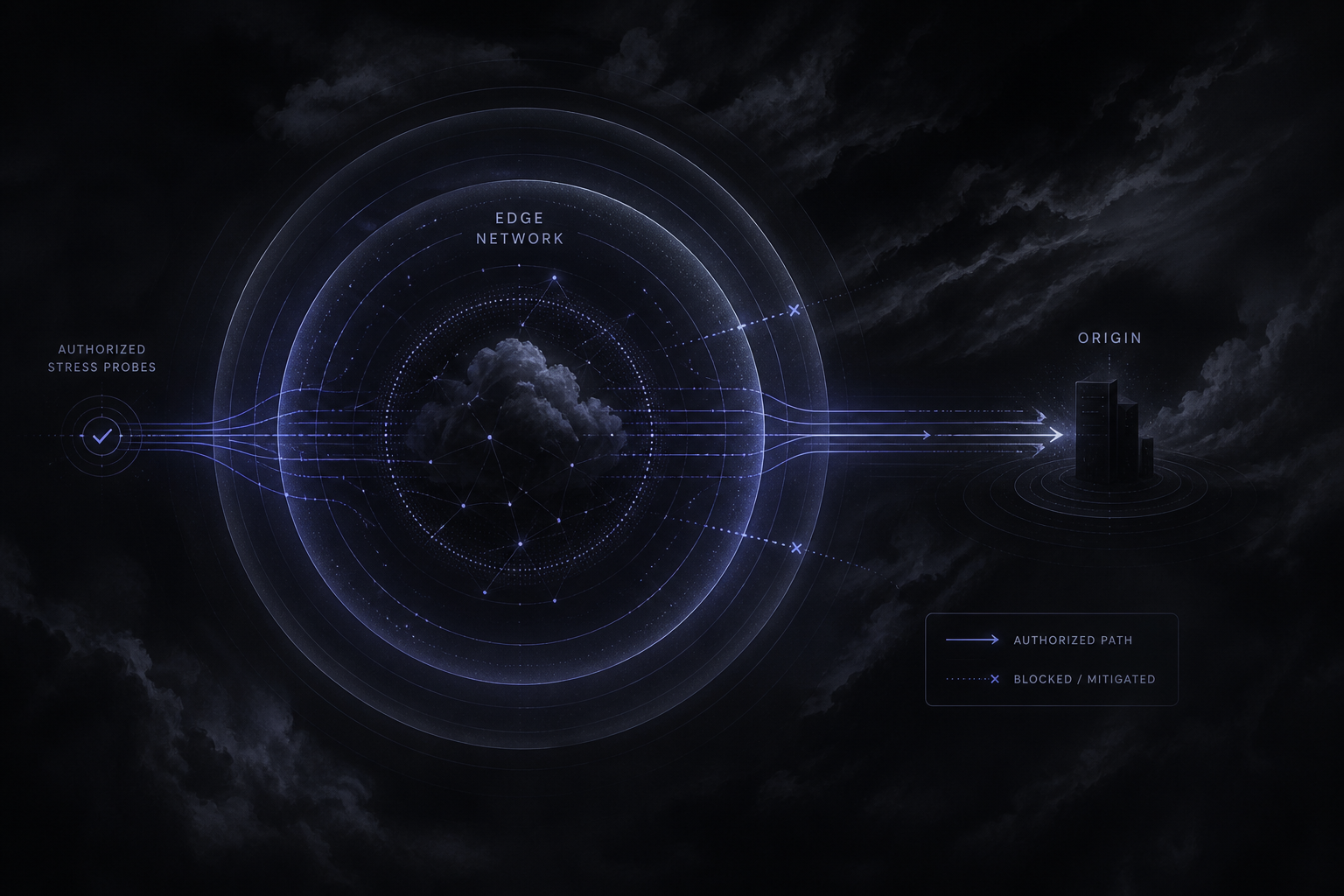
Behind a CDN you always have at least two stories: edge/cache behavior and origin capacity. A run that only hits highly cacheable assets may never wake the origin — and a run that bypasses cache may look “CDN failed” when the origin was the real bottleneck.
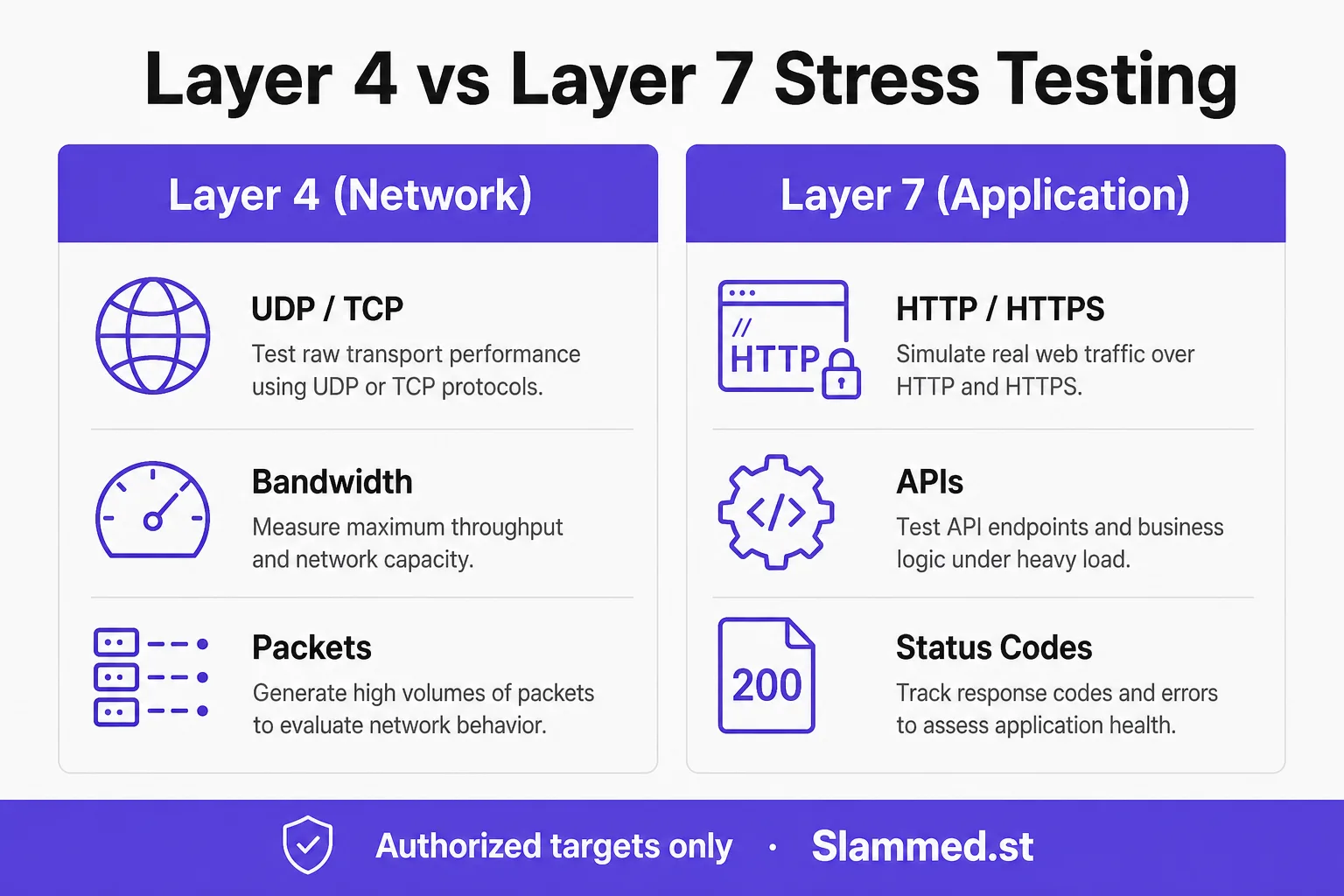
Decide which surface your hypothesis targets before you start. L7 is usually correct for websites/APIs; L4 is for pipe/firewall questions — L4 vs L7.
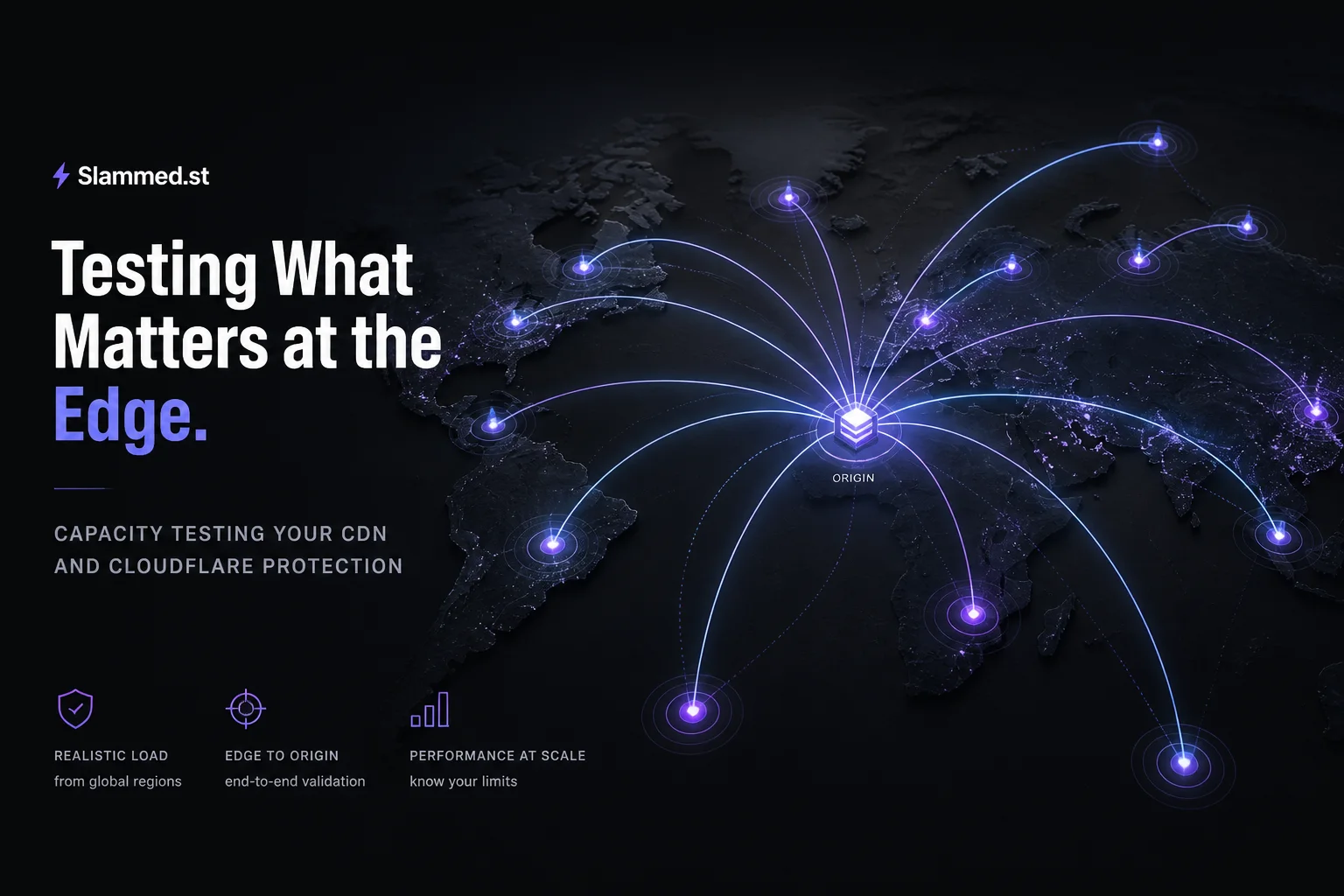
Behind Cloudflare or another CDN you are always testing at least two surfaces: edge and cache behavior, and origin capacity. A run that only hits highly cacheable assets may never wake the origin, producing a cheerful report that says nothing about database pools or application threads. A run that bypasses cache or hammers uncacheable APIs may look like “the CDN failed” when the origin was the true bottleneck. Decide which surface your hypothesis targets before you start, label the run in the ticket, and keep separate dashboard groups so postmortems do not mix the stories into one vague “CDN issue.”
Layer 7 is usually correct for websites and APIs; Layer 4 remains for pipe or firewall questions on infrastructure you own — see L4 vs L7. Website framing lives in what is a website stresser and the checklist at website load testing checklist 2026. Keep the exercise inside authorized load testing, verify hostnames you control, notify CDN contacts when the window may look like an attack, and size intensity from pricing so you are not accidentally answering the wrong surface with the wrong plan tier or an oversized first step. Write “cache surface” or “origin surface” in the ticket title so the wrong dashboard group is not blamed after the fact. A mixed unlabeled run is the fastest way to create a wrong postmortem and a wrong capacity ticket.
What to watch on CDN + origin
- Cache hit ratio and origin request rate
- WAF/challenge rates on legitimate paths (false positives under concurrency)
- Edge p95/p99 vs origin p95/p99
- TLS/CPU on origin when cache misses spike
- Rate-limit and bot-score rules that trip “friendly” load
Common failure modes are catalogued in common bottlenecks.
What to watch spans both surfaces. On the CDN side, track cache hit ratio, origin request rate, edge p95/p99, WAF and challenge rates on legitimate paths, and bot-score or rate-limit rules that trip friendly load. On the origin side, track TLS and CPU when cache misses spike, application pool saturation, and dependency latency. A rising challenge rate can look like protection success while converting real shoppers into blocked users — treat false positives as first-class findings, not noise to ignore because “security is working.” Record which rules fired so tuning is surgical after the window.
Common failure modes are catalogued in common bottlenecks; protection rehearsal belongs with DDoS protection testing checklist. Notify your CDN or security contact when a controlled window may resemble an attack, even though you own the hostname. Use stepped ramps, hold plateaus, and cool-downs so cache warmup and WAF learning do not distort a single spike. Operator guidance sits in docs; legal boundaries sit in Acceptable Use. Abort when either edge or origin SLOs breach — do not wait for a send counter to look impressive on systems you operate. If challenge rates climb on known-good paths, pause and retune before you conclude origin capacity is the story. Compare edge latency to origin latency on the same path; a wide gap under load usually points to origin or cache-miss cost, not “CDN magic failing.”