
RESOURCES
Throughput
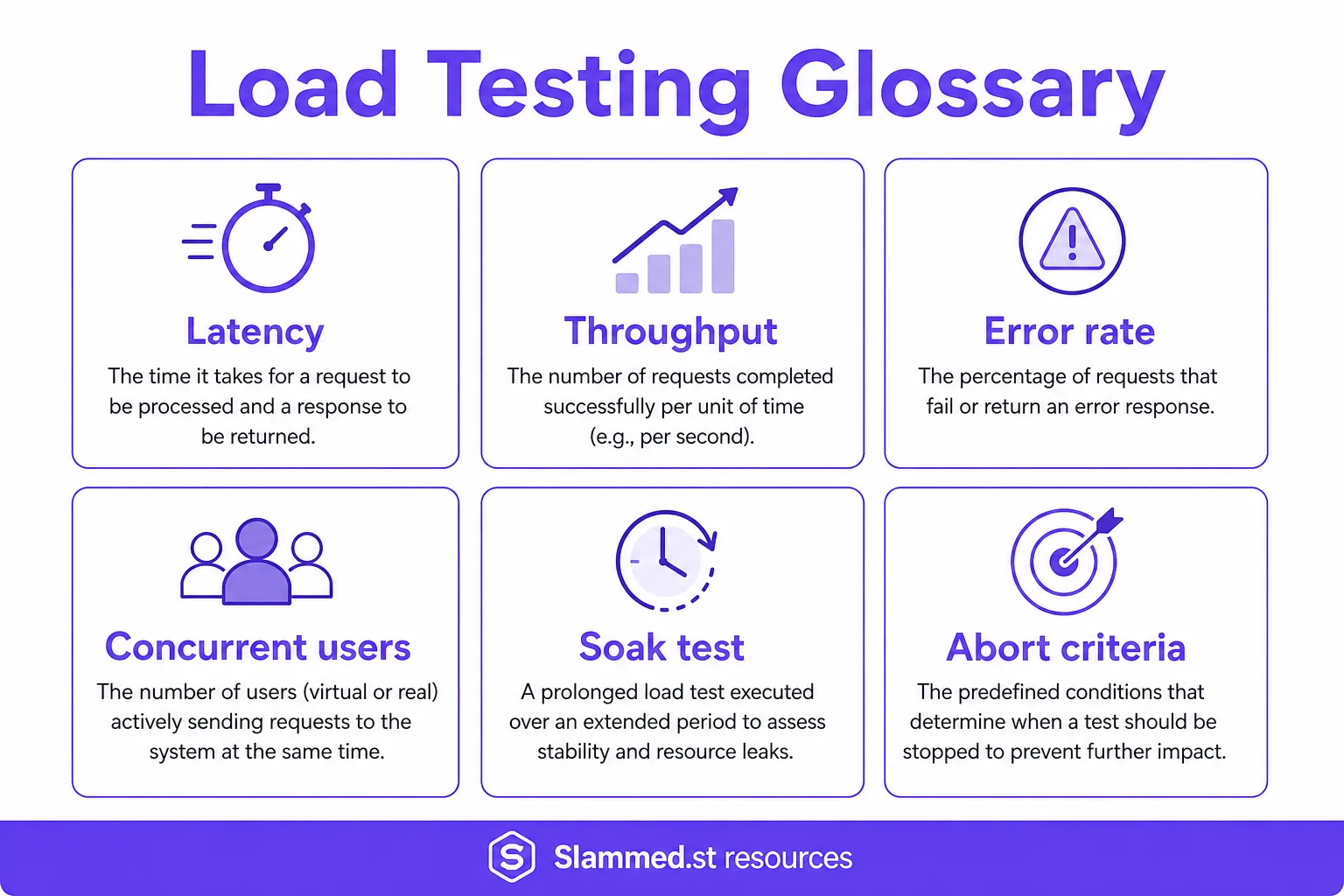
Throughput is successful work completed per unit of time — RPS for HTTP, or packets/connections/bits for Layer 4 — incomplete without latency and error context.
Definition
Throughput measures how much useful work finishes per second (or minute). At Layer 7 it often collapses to RPS; at Layer 4 it may be packets per second, new connections per second, or bits per second (Gbps). High raw volume with collapsing success rate is not a pass.
Throughput should always be reported with latency percentiles and error rate. Otherwise teams celebrate bandwidth while users time out.
See concurrent connections and Concurrent vs RPS.
Why it matters for authorized load testing
Capacity planning asks for a sustainable throughput number inside SLO. Authorized tests search for the plateau where throughput holds and tails stay acceptable, then document the next step that failed. That plateau informs CDN sizing, pool counts, and plan selection — not vanity peaks lasting seconds.
Layer choice matters: L4 throughput success does not prove L7 journey health. Run the layer that matches the risk on systems you control.
How Slammed.st uses it
Hub live views and reports emphasize achieved throughput under authorized L4/L7 methods, against verified targets, with stop controls ready. Platform peak capacity reaches up to 4.3 Tb/s across regions; your practical ceiling is plan limits plus the target’s pipe and app capacity.
Features · Pricing · Free trial.
Glossary cluster
Browse related term pages and the hub glossary:
- RPS
- Concurrent connections
- Latency
- Soak test
- Abort criteria
- Throughput (this page)
- Layer 4
- Layer 7
- Verified target
- Spike test
- Load testing glossary (hub)
Throughput without a quality budget is incomplete
Throughput is successful work per unit time — RPS for many HTTP tests, or packets/bits for some L4 views. High throughput with collapsing success rate or exploding latency is not a pass. Always report throughput next to error rate and latency percentiles so capacity claims survive review.
Related: RPS, latency, concurrent connections. Hub: authorized load testing.
How to read throughput cliffs
- Plateau with healthy latency → candidate stable capacity.
- Throughput flat while concurrents rise → waiting/saturation.
- Throughput up with error spike → not useful work.
- Regional skew → edge or DNS effects worth a dedicated run.
Convert plan workers with concurrent vs RPS. Choose ceilings on pricing. Start via register.
Hub tip: name the unit in every report
Write “stable 12k RPS on checkout POST, p95 under 400ms, errors under 1%” instead of “throughput looked good.” Mixing L4 Gbps and L7 RPS in one sentence confuses stakeholders. Keep Layer guides bookmarked — Layer 4 vs Layer 7 — so the unit matches the hypothesis before you open generators.
When throughput is the wrong headline metric
User-facing SLOs are often latency and availability first. A marketing “max RPS” number without scenario names misleads executives. For pipe-only questions, prefer clear L4 volume metrics and host counters over application throughput slogans.
Related
Resources hub · Glossary · Tools matrix · RPS calculator · Useful network tools · Blog · Pricing · Start free